For many households, Wi-Fi has become as essential as electricity, powering everything from remote work and online learning to entertainment and smart home devices. Yet even with a fast broadband package, users can experience frustrating slowdowns caused by unexpected obstacles inside their own homes.
Table of Contents
ToggleWireless networking specialists say many of the most common causes of poor Wi-Fi performance are hidden in plain sight. Physical objects, electronic devices and even certain building materials can weaken or block the radio waves that carry internet signals throughout a property.
A Long-Standing Challenge in Wireless Networking
The issue is far from new. Alex Hills, who helped develop one of the world’s earliest large-scale Wi-Fi networks while at Carnegie Mellon University in the early 1990s, has spent decades studying the factors that interfere with wireless communication.
In his work, Hills described these sources of interference as the “Bad Boys of Radio”—a collection of obstacles that disrupt the smooth flow of wireless signals. While Wi-Fi technology has advanced dramatically since then, many of the same challenges remain relevant in today’s connected homes.
Surprising Household Items That Can Block Signals
Some of the biggest obstacles are everyday objects that most people would never suspect.
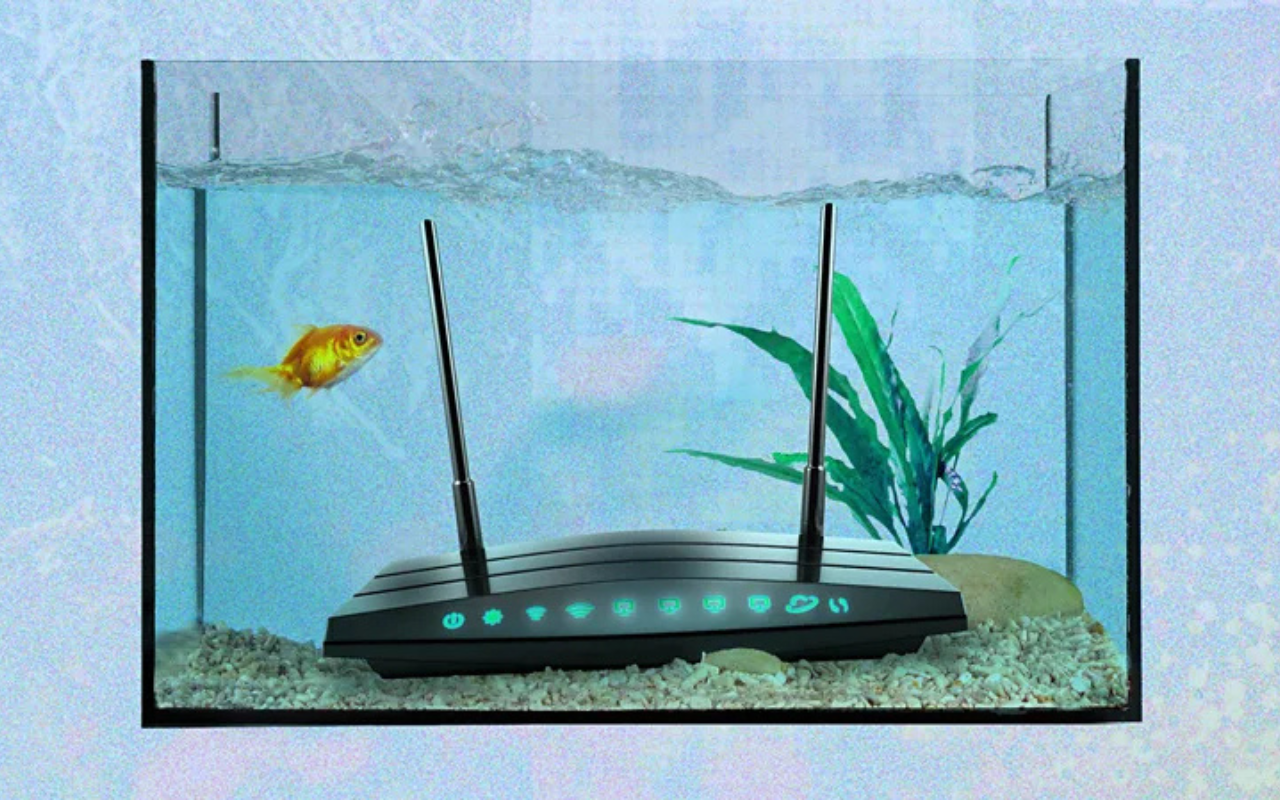
Large mirrors can reflect wireless signals rather than allowing them to pass through, creating weaker coverage in certain areas of a home. Fish tanks can also affect performance because water absorbs radio waves, making it harder for signals to travel beyond the aquarium.
Kitchen appliances such as microwave ovens are another common source of interference, particularly for routers operating on the 2.4GHz frequency band. Even dense walls, metal furniture and large appliances can reduce signal strength by blocking or scattering radio waves.
Router Placement Makes a Big Difference
Experts say one of the simplest ways to improve Wi-Fi is to rethink where the router is placed.
Keeping the router in a central, elevated location allows the signal to spread more evenly throughout a home. Placing it inside cabinets, behind televisions or near large metal objects can significantly reduce coverage.
Moving the router only a short distance can sometimes produce a noticeable improvement, particularly in homes where thick walls or bulky furniture create dead zones.
Choosing the Right Frequency
Modern routers often support both 2.4GHz and 5GHz wireless bands.
The 2.4GHz band generally offers better range and passes through walls more effectively, but it is also more crowded because many household devices use the same frequency. The 5GHz band can deliver faster speeds but has a shorter range and is more easily blocked by physical barriers.
Selecting the most suitable band for different rooms or devices can help maintain a more reliable connection.
Why It Matters
As more homes rely on dozens of connected devices—including laptops, smartphones, televisions, security cameras and smart appliances—a stable Wi-Fi connection has become increasingly important.
Understanding the physical factors that affect wireless performance can help users solve connectivity problems without immediately upgrading their broadband package or purchasing expensive new equipment.
Simple Steps to Improve Your Home Network
Improving Wi-Fi performance often requires only a few practical adjustments:
- Position the router in an open, central location.
- Keep it away from microwaves and large metal appliances.
- Avoid placing it directly beside aquariums or large mirrors.
- Reduce physical obstacles between the router and frequently used devices.
- Use the most appropriate Wi-Fi band for your needs.
While no wireless network is completely free from interference, experts say these straightforward changes can make a meaningful difference to speed, reliability and overall coverage throughout the home.